Buying with USDT
- Open Buy → USDT tab.
- Enter the USDT quantity.
- Select TRC-20 (Tron) or BEP-20 (BSC).
- Continue and follow the on-chain payment instructions carefully (correct address & network).
Buying via UPI Orders
Select an order that matches your desired amount range. Note the Price, Reward and total IToken. Complete the UPI payment to the seller as instructed and wait for confirmation.
Selling via UPI
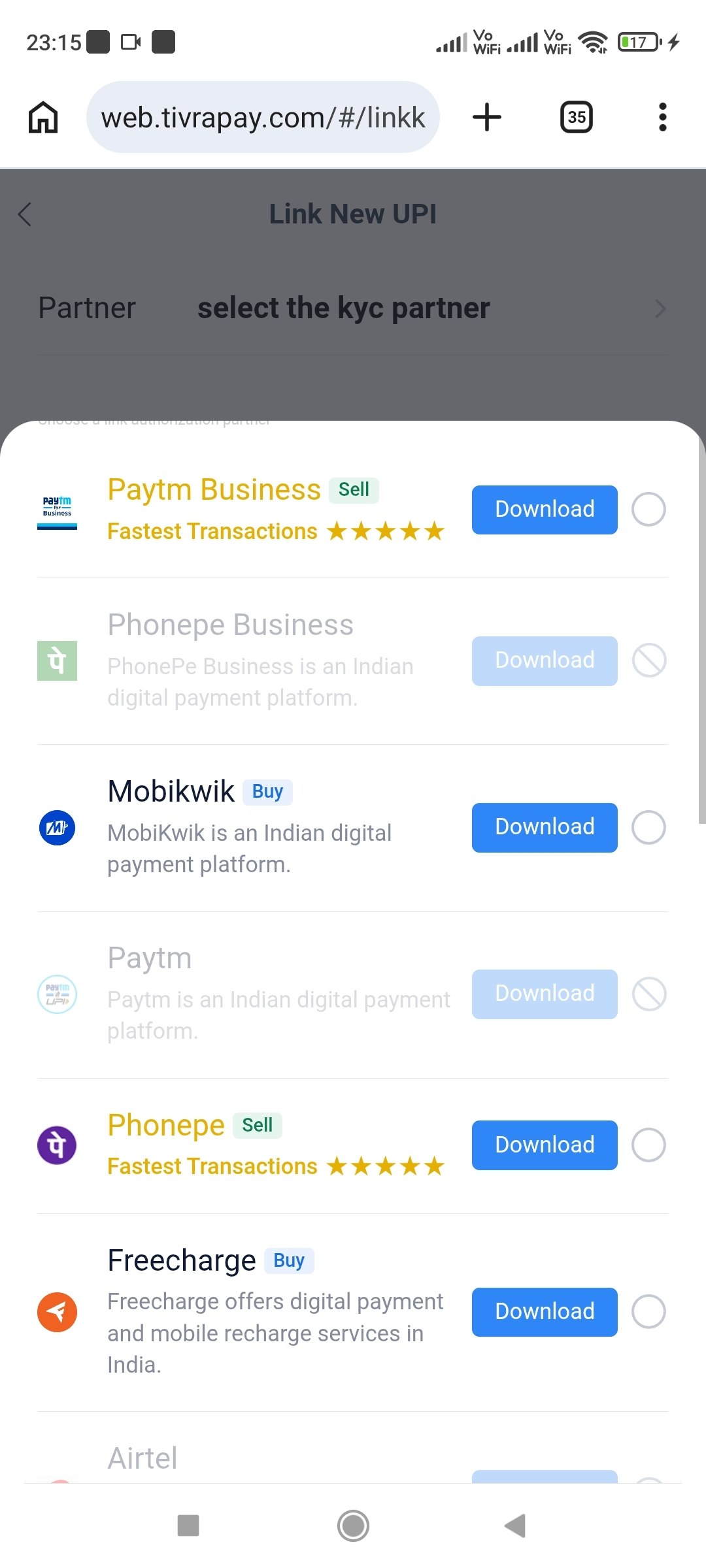
Link a supported business UPI partner first. Then use the sell / auto-sell features. Track progress under UPI Sell History.
Important Tips
- Always verify the network (TRC-20 vs BEP-20) before sending USDT.
- Keep screenshots of payment proofs.
- If a payment is pending for a long time, use Official Service or Telegram support with transaction details.
This site does not process payments. All transactions happen inside the Tivrapay platform or on-chain. Trade responsibly.